Asia/Karachi
BlogOctober 1, 2026

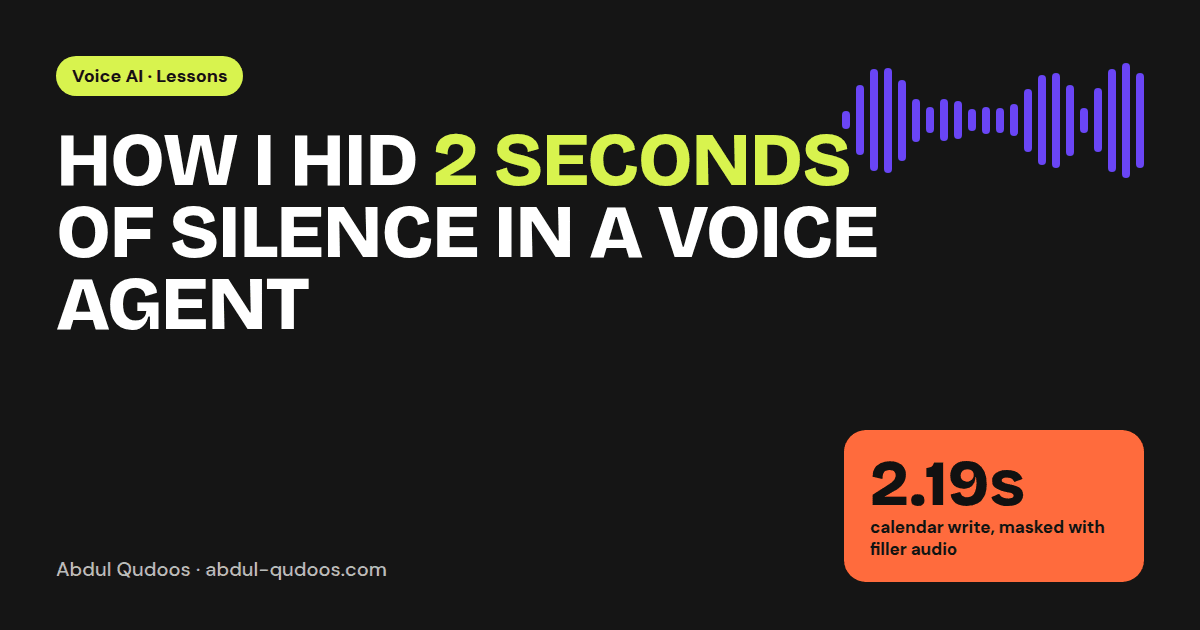
How I Hid 2 Seconds of Silence in a Voice Agent

We couldn't make Google Calendar faster. So we made the caller stop noticing.
Abdul Qudoos
How I Hid 2 Seconds of Silence in a Voice Agent — Abdul Qudoos blog cover
Picture the call. You ask a voice agent to move your appointment. It understands you, picks the right tool, and calls Google Calendar. Then it goes quiet. In our voice agent, that calendar update took 2.19 seconds. On a screen that's a spinner and nobody cares. On a phone call it's a long, awkward silence. People fill it by asking "hello?", which interrupts the agent and derails the conversation. The model wasn't the problem. The dead air was. Before changing anything, we timed every step of a call. The voice agent (case study) runs on Twilio, Deepgram, LangGraph and Azure TTS, and every step left a timing checkpoint in the logs. Two numbers stood out:
OperationTime
Google Calendar: update an appointment~2.19 s
Google Calendar: fetch appointments~617 ms
You can't fix a delay you haven't measured. You also can't fix every delay. Google's API is as fast as it is. So the question changed from "how do we make this faster?" to "how do we make the caller not feel it?" People don't sit in silence when they look something up. They say "one sec, let me check." So the agent does too. Right before a slow tool call, it plays a short filler phrase that matches what it's about to do:
  • "Let me pull up your appointments and check your current schedule."
  • "I'm updating your appointment in the calendar system right now."
  • "Let me update your calendar with the new appointment time."
The tool call and the filler start together. By the time the filler finishes, the calendar has usually answered. Two details made this work:
  1. The fillers are pre-recorded, not generated live. Running text-to-speech for the filler would itself add latency, which defeats the point. A small FillerAudioService loads audio files from disk at startup and plays the right one in milliseconds.
  2. The fillers say what's actually happening. A generic "hmm, one moment" on every turn sounds robotic by the third time. A filler that names the task sounds like someone actually doing the work.
The 617 ms calendar fetch was easier to hide, because we could start it early. As soon as the greeting node knows who's calling, a calendarPreloader starts loading that person's appointments in the background.
Js
// In the greeting node, as soon as we know who's calling (simplified)
calendarPreloader.startPreloading(streamSid, callerInfo);

// Later, inside the LangGraph tool
const appointments = await calendarPreloader.getAppointments(streamSid, callerInfo);
By the time the caller says "I need to move my Thursday appointment", the data is usually already in memory. The fastest API call is the one that already finished.
  • Time every step. Put timing checkpoints on every node and tool call from day one. Gut feel about latency is almost always wrong.
  • Split your delays into two piles: ones you can remove (preload, cache, parallelise) and ones you can only hide (fillers).
  • Pre-record anything you say often. Live text-to-speech is for the answer, not for "one moment".
  • Match the filler to the action. It's the difference between "the bot is thinking" and "someone is helping me".
Users judge a voice agent less on how smart it is and more on whether the conversation feels natural. Most of that comes down to timing.
Building a voice agent and fighting latency? Tell me about it. This is exactly the kind of problem I like working on.
Share this post: