Asia/Karachi
BlogOctober 1, 2026

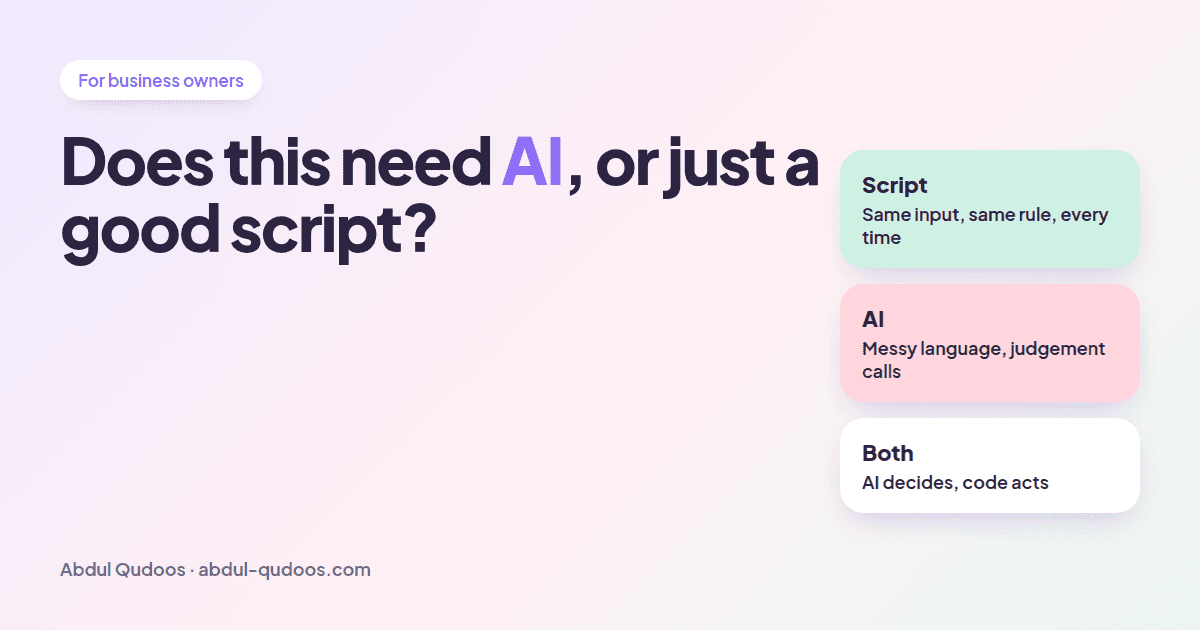
Does This Need AI, or Just a Good Script?

A 5-question test I use before quoting any automation project
Abdul Qudoos
Does This Need AI, or Just a Good Script? — Abdul Qudoos blog cover
A lot of the automation requests I get start with "we want to use AI to...". And a surprising number of them don't need AI at all. That's good news for you. A plain script is cheaper to build and cheaper to run, and it does exactly the same thing every time. AI is powerful, but it's also slower, costs money on every call, and can be confidently wrong. So before I quote anything, I run the task through five questions. You can run them yourself before you talk to anyone. 1. Is the input always in the same shape? A form submission, a row in a spreadsheet, a webhook from Stripe? → Script. An email, a phone call, a PDF someone scanned crooked? → AI, at least for the reading part. 2. Could you write the rule on a sticky note? "If the invoice is over $5,000, send it to Sarah." → Script. "Figure out if this customer sounds upset." → AI. 3. What happens if it's wrong once in fifty times? A slightly awkward email draft? Fine, use AI. Moving money or deleting records? Don't let AI do it alone. Use AI to suggest and code to act, with a human or a confirmation step in between. 4. Does it need to understand language? Reading, writing, summarising, classifying free text, holding a conversation. That's what AI is genuinely good at, and scripts are hopeless at it. 5. How many times a day does it run? AI costs a little on every call. At ten runs a day that's nothing. At ten thousand it adds up. A script runs for free. The best automations I've built use AI for the one step that needs judgement, and plain code for everything around it. Here's a real example from a voice agent I worked on that handles phone calls for an appointment-based business:
StepAI or code?Why
Who is calling?Code: phonebook lookupA phone number match is instant, free and never wrong
What do they want?AI: intent classificationCallers say "I can't make Thursday" a hundred different ways
Which appointment?Code: calendar APIThe calendar is the source of truth, so don't let a model guess
Move itCode, only after the caller confirmsMoving someone's appointment by mistake is expensive
Send a confirmationCode: SMS templateIt's the same message every time
Only one of those five steps actually uses AI. That's not a weakness of the system. It's why it works. Another example: in an outreach email tool I built, AI writes the personalised email, but if the model is unavailable a plain template takes over automatically. The workflow never stops just because an API is having a bad day. If someone pitches you an AI project, ask these:
  • "What happens when the AI is wrong?" If they don't have an answer, they haven't built one of these for real.
  • "Which steps actually need AI?" If the answer is "all of them", the system will be slow, expensive and fragile.
  • "Can I see what it did and why?" You want logs, not a black box.
Send me the task: what your team does by hand today, how often, and what tools are involved. I'll tell you honestly if it needs AI, a script, or a bit of both. Send a message.
Share this post: