Asia/Karachi
BlogOctober 1, 2026

Confirm Before Side Effects

The one rule that makes it safe to let an AI agent touch your real systems
Abdul Qudoos
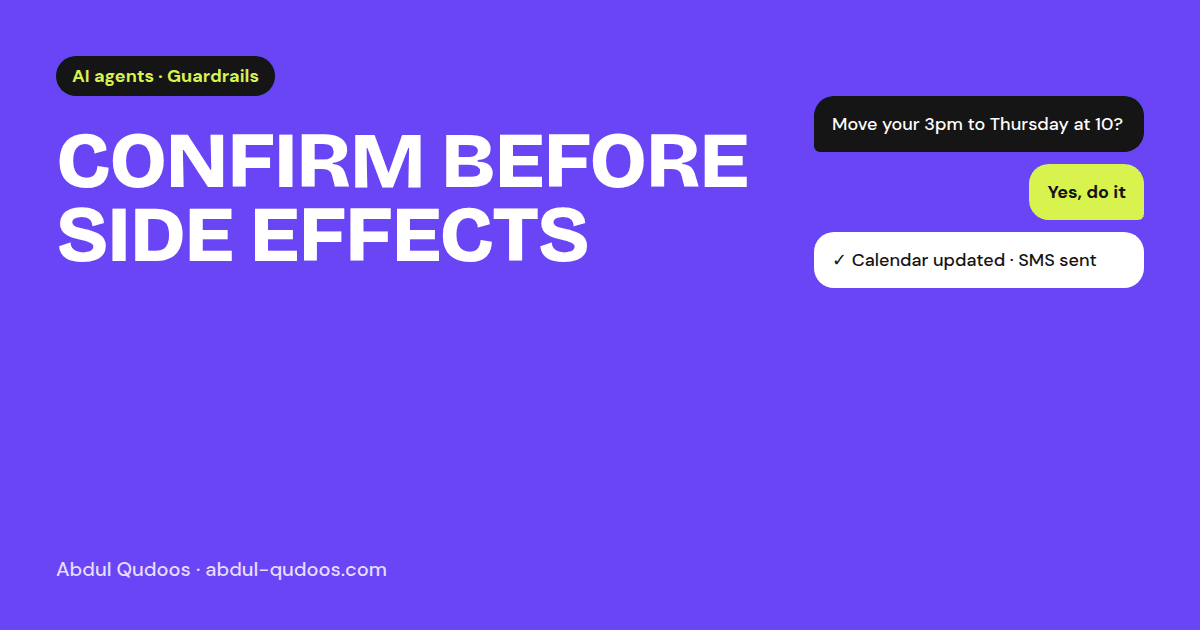
Confirm Before Side Effects — Abdul Qudoos blog cover
An AI agent that only reads your data, like answering questions, summarising tickets or searching documents, can be wrong without much harm. You read the answer and move on. The moment an agent can change something, like moving an appointment, sending an email or updating a record, a wrong guess stops being a typo and becomes a real problem for a real customer. In software, changes like these are called side effects. And the rule I build every agent around is simple:
No side effect without explicit confirmation.
The obvious approach is to write "always confirm with the user before changing anything" in the system prompt. You should do that. But it isn't a guarantee. Models skip instructions, especially in long conversations or when the user sounds certain. So in the voice agent I worked on, confirmation is enforced inside the tool itself. Here's the real calendar tool, trimmed:
Js
const shiftAppointmentTool = new DynamicStructuredTool({
  name: "shift_appointment",
  description: "Shift an existing appointment to a new date/time. Always get confirmation before calling this.",
  schema: z.object({
    appointmentName: z.string(),
    newDateTime: z.string(),
    confirmationReceived: z.boolean().describe("Whether user has confirmed the change"),
  }),
  func: async ({ appointmentName, newDateTime, confirmationReceived }) => {
    if (!confirmationReceived) {
      return "Error: Please get user confirmation before making changes to appointments.";
    }
    // ...only now do we touch Google Calendar
  },
});
Two things are happening:
  1. Confirmation is a required field. The model can't call the tool without stating, explicitly, whether the user agreed.
  2. The tool refuses without it, and the refusal message tells the model what to do instead. The model reads the error, asks the caller "Shall I move it to Thursday at 10?", and tries again once they say yes.
The prompt asks nicely. The code makes sure it happens. Confirmation covers the big risk. These three cover the rest. APIs go down. Models time out. When that happens, the workflow should get worse, not stop. In an outreach email tool I built, if the model is unavailable a plain template email takes its place, so the team can keep working. Some calls don't fit any workflow. The voice agent sends unknown callers down a separate path and can transfer the call, rather than forcing every caller through an appointment script that doesn't fit. Every tool call, every timing checkpoint and every call outcome is logged. When a client asks "why did it do that?", the answer should be one search away, not a guess.
  • Which tools change something? List them.
  • Does each of those tools refuse to run without confirmation, in code?
  • What happens when the model or an API is down?
  • Where does the agent hand off to a human?
  • Can you see what it did and why, after the fact?
If you can't tick all five, the agent isn't ready for real customers yet, however good the demo looked.
Planning an agent that will act on your real systems? Let's make it safe first.
Share this post: