The hardest part of translation is the clock
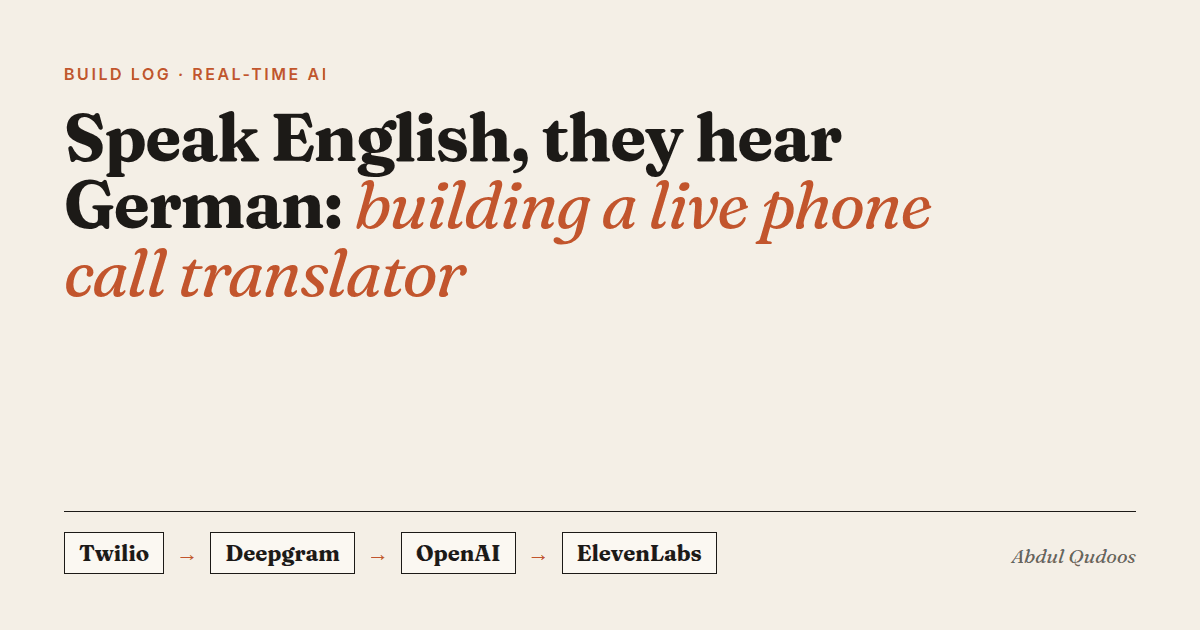
Phone call → Twilio → Deepgram → OpenAI → ElevenLabs → caller hears German
Stage 1: getting the audio out of the phone call
Stage 2: speech-to-text that doesn't wait for you to finish
Stage 3: translation that remembers the conversation
You are translating a phone conversation from English to German.
Maintain consistency with previous translations and correct any
transcription errors. Here is the recent conversation context:

English: ...
German: ...

Now translate this new English text to German, keeping it consistent
with the conversation flow and fixing any obvious transcription errors:
English: {current segment}
German:
Three choices made this reliable:
- Temperature 0.1. Translation isn't creative writing. Low temperature means the same English gives the same German.
- Stop sequences ("English:", "German:", and a blank line) stop the model from inventing the next turn of the conversation.
- Let the translator fix the transcript. Asking the model to correct obvious mistakes as it translates removes a whole class of errors.
Why only the last 5 exchanges? The whole call would give more context, but every extra line makes the prompt longer, slower and more expensive. Five turned out to be enough to keep names and terms consistent.
Stage 4: speaking before the sentence is done
What I'd do again, and what I'd change
- Streaming at both ends. Speech-to-text and text-to-speech both stream, and translation runs on each transcript segment as soon as it arrives.
- A rolling context window instead of the full call history.
- REST endpoints that expose each call's transcripts and translations. Being able to see exactly what was heard and how it was translated made debugging much faster.
Change:
- Make the prompt context work in both directions. A German-to-English path exists, but only English-to-German uses the rolling memory today.
- Add proper latency checkpoints on every stage from day one. I added them later, on the voice agent this pipeline grew into.
That last point is the real story. This translator became the audio foundation for a full LangGraph voice agent that takes real actions. Same pipe, more brains.
Need real-time voice in your product, for translation, support or scheduling? Let's talk.